





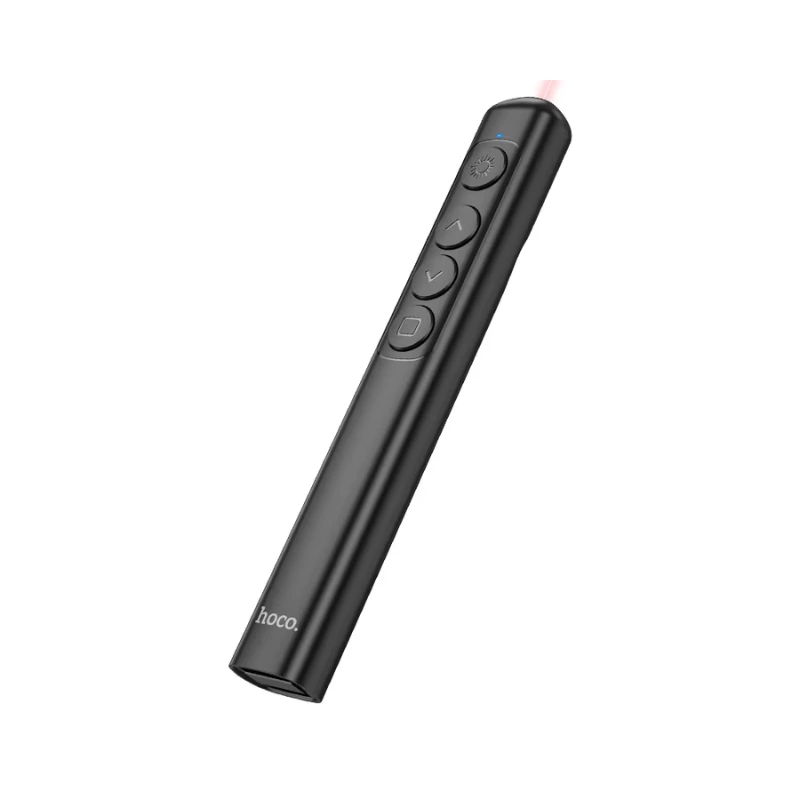
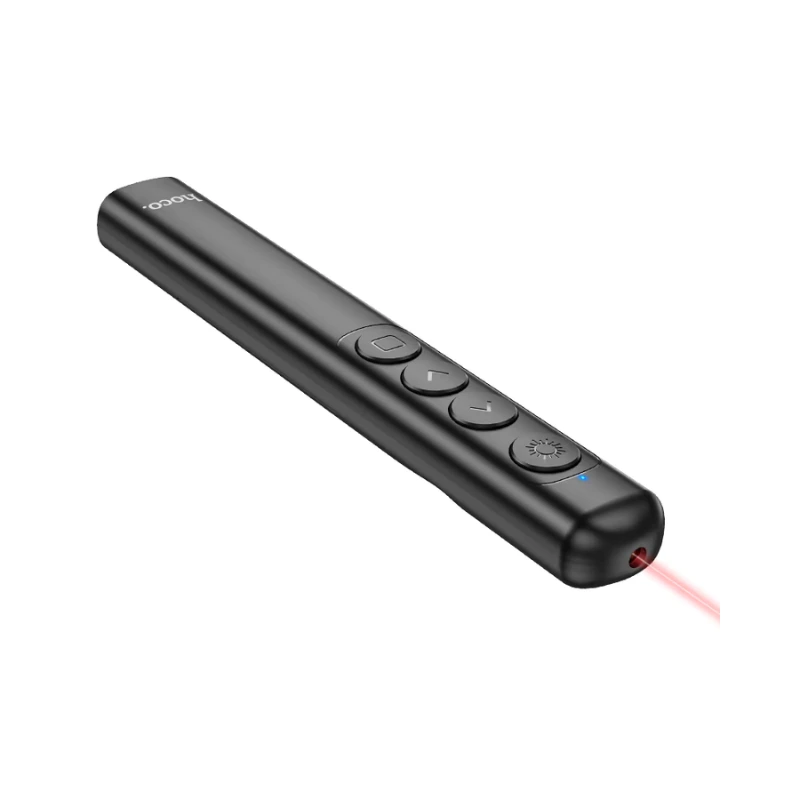

Hoco GM200 Smart PPT Presenter & Laser Pointer
|
৳950.00 (Cash Price) 24% OFF |
Availability: In Stock | Code: NTL-6942007616768 |
6 Months Official Brand Warranty
অর্ডার, আপডেট প্রাইস এবং স্টক সংক্রান্ত যেকোনো প্রয়োজনে কল অথবা হোয়াটসঅ্যাপে মেসেজ করুন আমাদের কাস্টমার সার্ভিস প্রতিনিধির সাথে - 01977524045.
Specification
| Brand | Hoco |
|---|---|
| Model | Hoco GM200 |
| Material | ABS + electronic components |
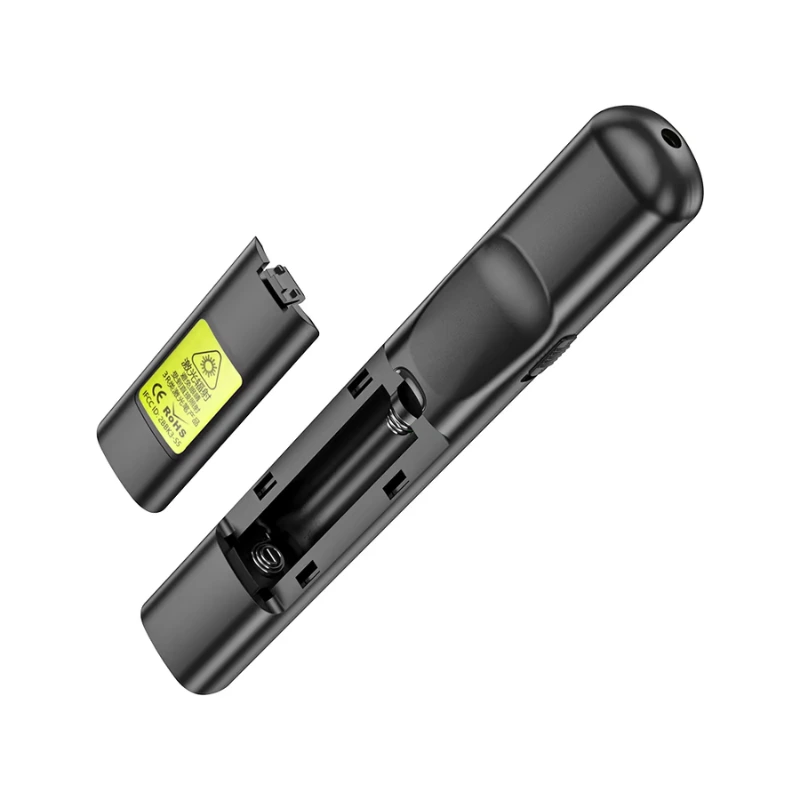
| Battery Info | AAA type (№7) 1pc. |
| Weight | 22g. |
| Dimensions | 140.2 × 20.4 × 14mm. |
| Control Button | 4 Keys |
| Other Features / Info | Connection: 2.4GHz Wireless | USB-A Receiver |
Description
Hoco GM200 Smart PPT Presenter & Laser Pointer
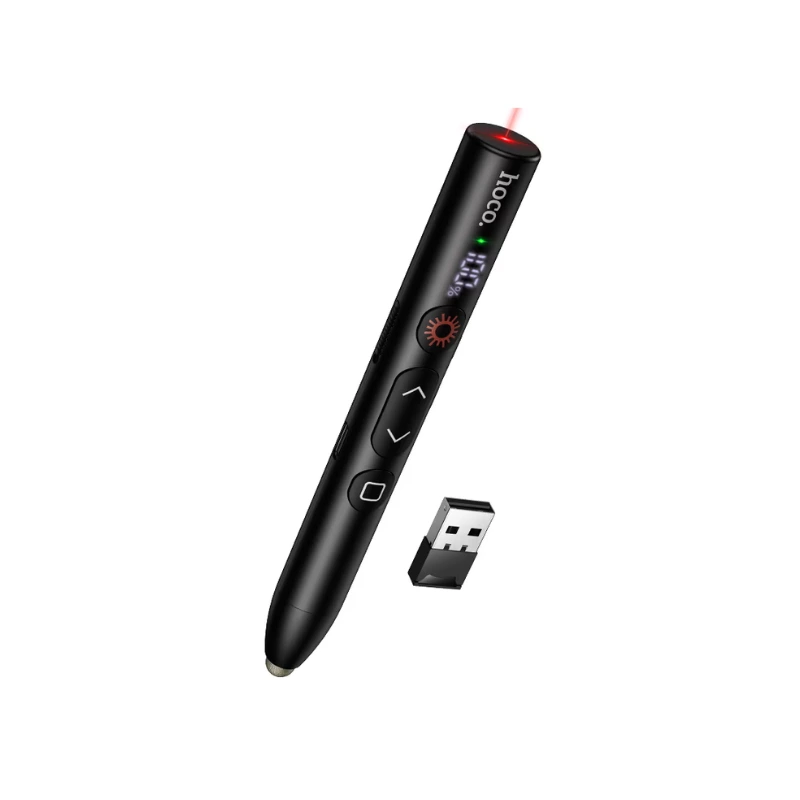
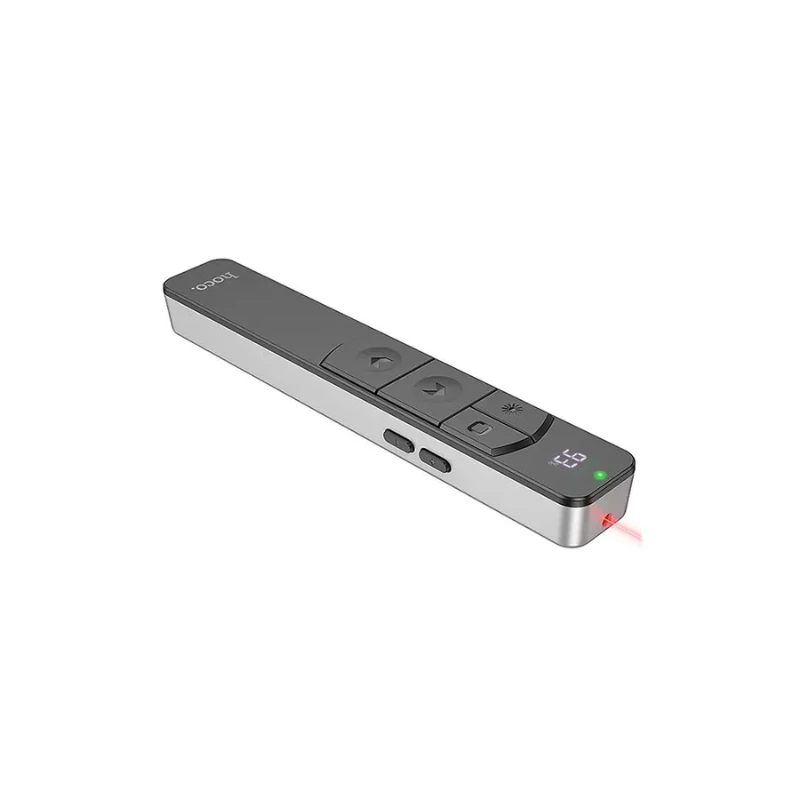
The Hoco GM200 Smart PPT Presenter & Laser Pointer is a practical presentation accessory designed to make presentations, lectures, meetings, and classroom sessions easier to control. It combines presentation-control functions with a laser pointer, giving users a convenient handheld tool for guiding an audience through slides and highlighting important information.The Hoco GM200 Smart PPT Presenter & Laser Pointer is designed for users who want more freedom while presenting. Instead of staying directly beside a laptop or computer to change slides, a presenter can use the remote-style control to move through presentation content from a more comfortable position.
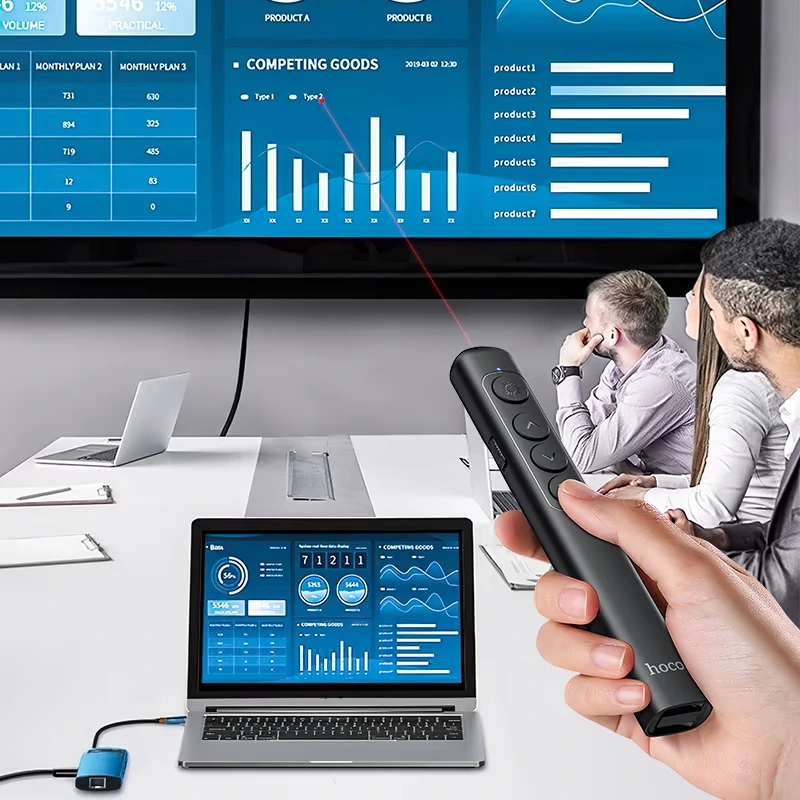
Its dedicated presentation controls provide a straightforward way to manage slides during a presentation. This can be particularly useful when explaining topics that require frequent movement between different slides, allowing the presenter to maintain better interaction with the audience.The integrated laser pointer adds another useful presentation function. A visible laser point can help draw attention to specific areas of a projected or displayed slide, making it easier to highlight charts, images, text, diagrams, or other important information during a presentation.
The Hoco GM200 Smart PPT Presenter & Laser Pointer can be useful in professional meetings and office presentations. Whether presenting a project, explaining business information, discussing reports, or introducing ideas to colleagues, a dedicated presenter can help make slide control more convenient.It is also suitable for teachers, instructors, trainers, and students. During lectures or educational presentations, the presenter can use the controls to move between slides while using the pointer to direct attention toward important details on the screen.
The handheld design is intended to provide convenient control while standing in front of an audience. Its compact form makes it easy to hold during a presentation and convenient to keep in a laptop bag, backpack, desk drawer, or presentation kit when not in use.The Hoco GM200 can also help create a more organized presentation flow. Having slide controls within reach means the presenter does not need to repeatedly return to the computer just to advance or move back through presentation content, helping maintain continuity during a session.
The laser-pointer function can be especially helpful when presenting visual information. Pointing toward a particular section of a graph, diagram, photograph, table, or slide heading can make it easier for an audience to follow the presenter's explanation.For presentations in classrooms, conference rooms, training spaces, and meeting environments, a dedicated PPT presenter can be a useful addition to the existing setup. It provides a simple control method that can complement a laptop, desktop computer, projector, or compatible presentation display.
The Hoco GM200 Smart PPT Presenter & Laser Pointer is also convenient for people who frequently give presentations. Keeping a dedicated presenter available can reduce the need to rely on keyboard shortcuts or touchpad controls while speaking, explaining, or moving around the room.Overall, the Hoco GM200 Smart PPT Presenter & Laser Pointer is a useful tool for anyone who wants more convenient control over presentations. With its slide-control functionality and integrated laser pointer, it can support smoother presentations in offices, classrooms, training sessions, seminars, and other professional or educational environments.
Key Features of Hoco GM200 Smart PPT Presenter & Laser Pointer
- Smart PPT Presenter: The Hoco GM200 is designed to provide convenient control during PowerPoint and other compatible presentations.
- Integrated Laser Pointer: The built-in laser pointer helps draw attention to specific areas of displayed presentation content.
- Slide Control: Dedicated controls make it easier to move through presentation slides without staying beside the computer.
- Wireless Presentation Convenience: A presentation remote can give the presenter greater freedom to move while delivering a presentation, subject to device compatibility.
- Hands-Free Computer Operation: It reduces the need to repeatedly reach for the laptop or computer when advancing presentation content.
- Professional Presentation Tool: The GM200 is suitable for business meetings, office presentations, seminars, and professional demonstrations.
- Classroom Friendly: Teachers and instructors can use it to control slides while explaining lessons and educational content.
- Training Session Use: It can be useful for trainers who regularly present information to groups or teams.
- Useful for Students: Students can use a presentation remote for academic presentations and project demonstrations.
- Audience Attention Support: The laser pointer can help guide viewers toward specific information displayed on a screen.
- Highlight Charts and Graphs: The pointer can be used to direct attention to important areas of charts, graphs, and other visual information.
- Highlight Images and Diagrams: It can help presenters indicate particular details in photographs, illustrations, diagrams, and slide graphics.
- Convenient Handheld Design: The compact presenter format makes it comfortable to hold while standing or moving during a presentation.
- Portable Presentation Accessory: It can be carried conveniently in a laptop bag, backpack, desk drawer, or presentation kit.
- Improved Presentation Flow: Having slide controls within reach can help presenters move between content more smoothly.
- Reduced Keyboard Dependence: The presenter can control supported presentation functions without relying entirely on keyboard shortcuts.
- Meeting Room Use: It can be a practical accessory for conference rooms, office meetings, and team presentations.
- Seminar Friendly: The combination of slide control and pointing functionality can support presentations in seminar and event environments.
- Lecture Support: It provides a convenient way to control slides while explaining educational material to an audience.
- Visual Guidance: The laser pointer can provide a simple visual reference when explaining detailed slide content.
- Presentation Flexibility: Users can move around during presentations while keeping essential presentation controls within reach.
- Easy to Carry: Its compact design makes it convenient for presenters who regularly travel between offices, classrooms, or meeting locations.
- Multi-Purpose Presentation Tool: It combines presentation control and laser-pointer functionality in one handheld accessory.
- Suitable for Regular Presenters: The GM200 can be useful for users who frequently deliver professional, educational, or personal presentations.
- Practical Presentation Solution: The Hoco GM200 Smart PPT Presenter & Laser Pointer provides convenient slide control and visual highlighting for compatible presentation setups.
Why Choose Nayon Telecom?
Choose Nayon Telecom for the Hoco GM200 Smart PPT Presenter & Laser Pointer and enjoy a convenient way to purchase useful presentation accessories in Bangladesh. Nayon Telecom offers competitive pricing, fast nationwide delivery, and dependable customer support to make your shopping experience easier and more reliable. Whether you are a professional, teacher, trainer, student, or regular presenter, the Hoco GM200 can help make compatible presentations easier to control and more convenient to deliver.
Warranty
6 Months Official Brand Warranty
Please Preserve Your Box To Claim Warranty
Explore our Warranty Policy page for detailed information about our warranty coverage.
Recently Viewed


Related Product